how to disable prettier formatting for individual files or folders
Good news!
If you want to disable prettier from automatically formatting on just a single file or folder (or multiple files & folders) there is built-in functionality specifically for this - the .prettierignore file.
To disable prettier formatting on a single file, open the .prettierignore file and add the name of your file to the document.
To do this, you obviously must know 2 things:
-
where the
.prettierignorefile is located, so you can tell it which files to ignore -
the correct syntax to use so the
.prettierignorefile understands
where is the .prettierignore file located?
you create it. just put it in the right place.
create a new file called ".prettierignore" in the root folder of your project.
how to add files and folders to .prettierignore (aka .prettierignore syntax)
the .prettierignore file follows the .gitignore syntax, so it would be a little redundant to re-hash that all here, but here are some of the most common scenarios.
how to ignore all files in a folder with .prettierignore
-
create your
.prettierignorefile in the folder you want prettier to ignore the files inside of -
inside the file, simply type
*and save
.prettierignore file example:
*
how to ignore specific files in a folder with .prettierignore
-
create your
.prettierignorefile in the root folder of your project -
input the file names that you want to ignore. be sure to include the file extensions.
.prettierignore file example:
filename.txt
filename.csv
filename.whatever
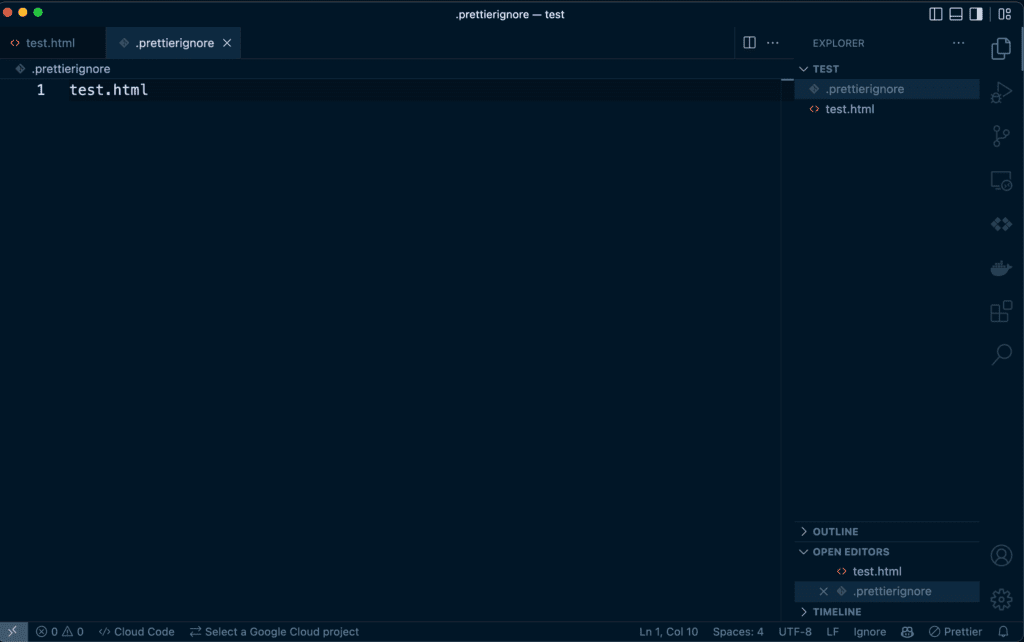
telling .prettierignore to ignore the test.html file
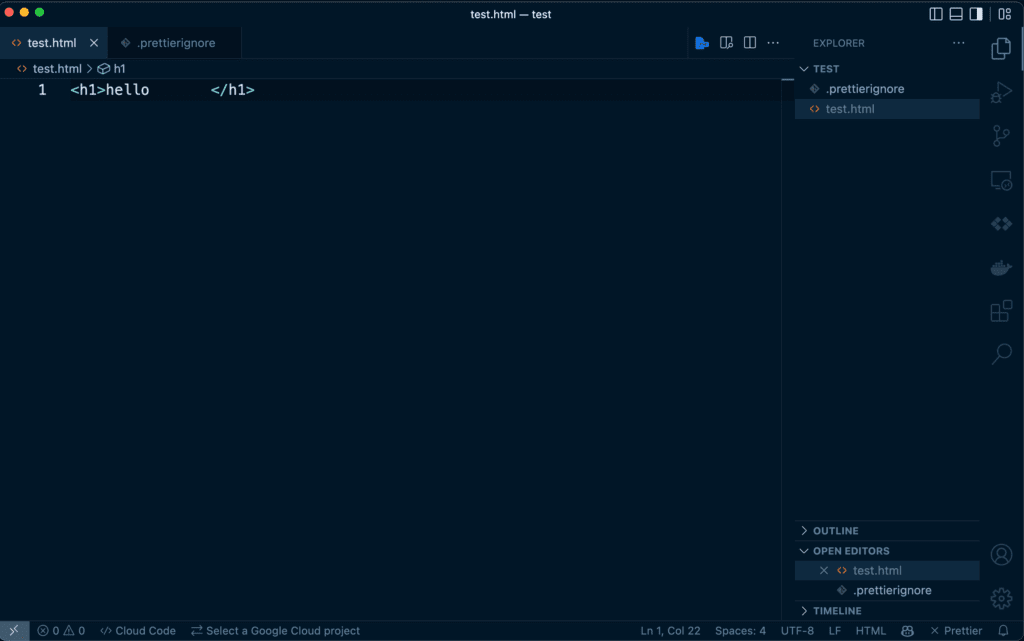
look at how ugly that html file is.
also note the bottom right of the screen that shows X Prettier showing that this file is not being prettier-ized.
How to add inline .prettierignore inside of a specific file
this one is my favorite, because i typically open files directly without having their parent directory open in vs code - which i am noticing makes the .prettierignore file in the folder not work...
so, let's add some inline ignore syntax.
you write them basically the same way you write comments.
inline .prettierignore for markdown (MD)
{/*  prettier-ignore  */}
whatever you write directly below will get ignored
and if you want to ignore a block / range / area / whatever of text:
{/*  prettier-ignore-start  */}
now you can write multi-line things
and it wont format them!
which is super helpful for things like snippets, cheats, etc.

right?
just make sure to add the closing comment line someday...
like this
{/*  prettier-ignore-end  */}
Did that help solve your dilemma?...
Well, chances are that if you keep programming for more than another few minutes you might end up with another dilemma that needs solving -- so don't forget to connect with me on social so I can help you out!
I also put out free content on SEO from all the things I've learned building & growing a multi-million dollar SEO agency, so feel free to follow along, for free.
👉 Click here to check out the World's Best YouTube Channel